
In an earlier article, we looked at Ollama for serving models locally. While searching for various options to run models on my local machine, I came across LM Studio - Local AI, which is also available on your computer. LM Studio offers a comprehensive set of features compared to Ollama. In today’s article, we will go over some of these features.
You can download and install LM Studio on Windows, macOS, or Linux operating systems. When you first run LM Studio, you will be prompted to choose a user profile. I chose the developer to enable all features. You can switch between these profiles using the selection available in the taskbar of LM Studio.
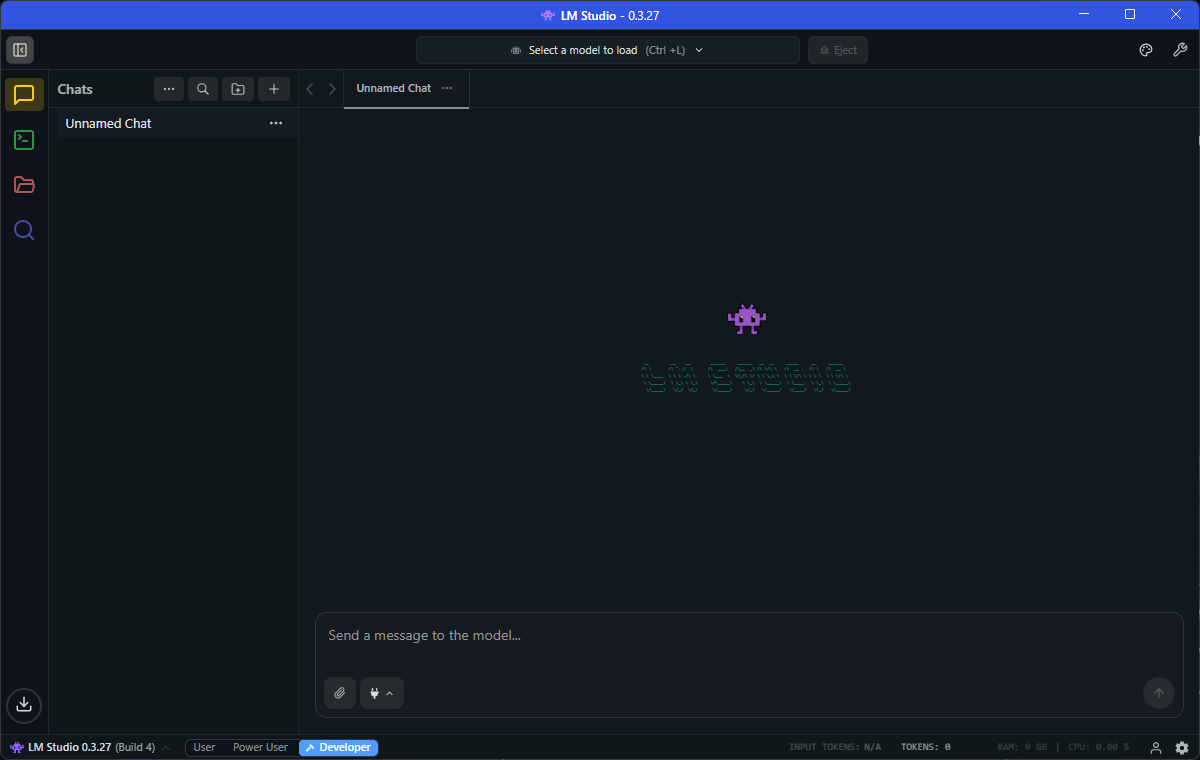
You can use the search bar at the top of the window or the search icon in the left sidebar to download a model.
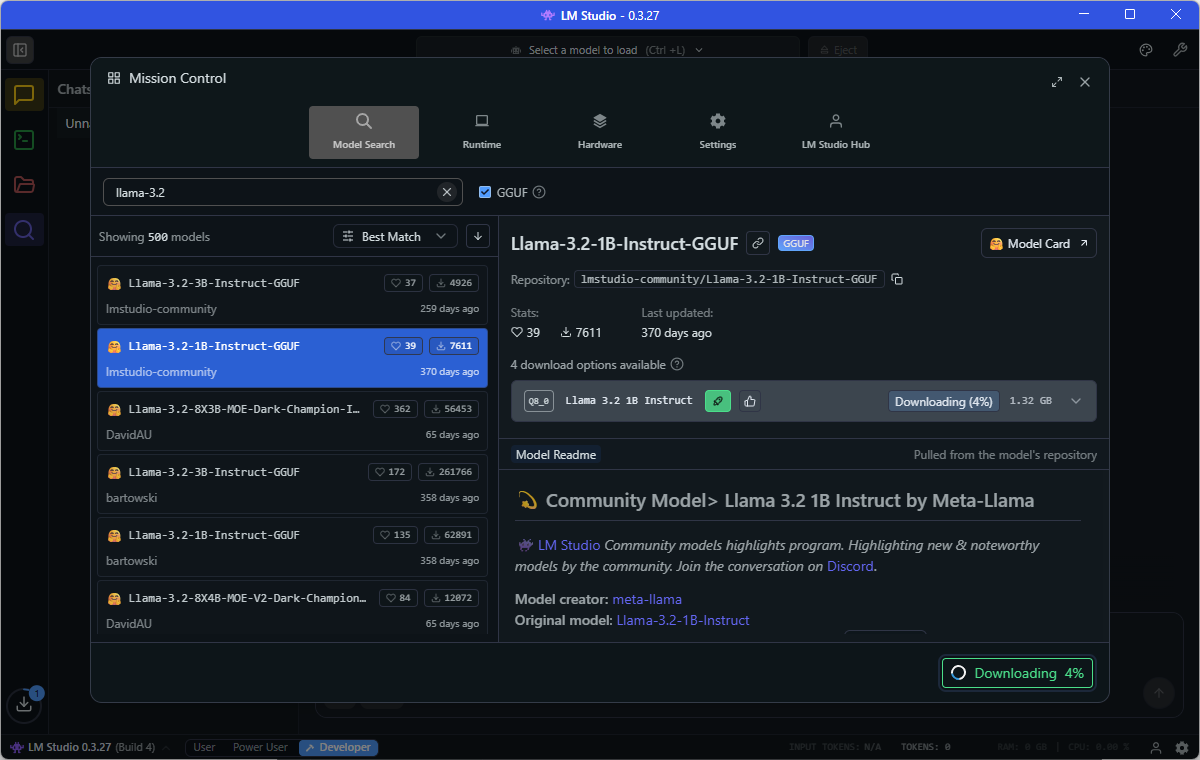
The best of LM Studio is the ability to change model sampling behavior.
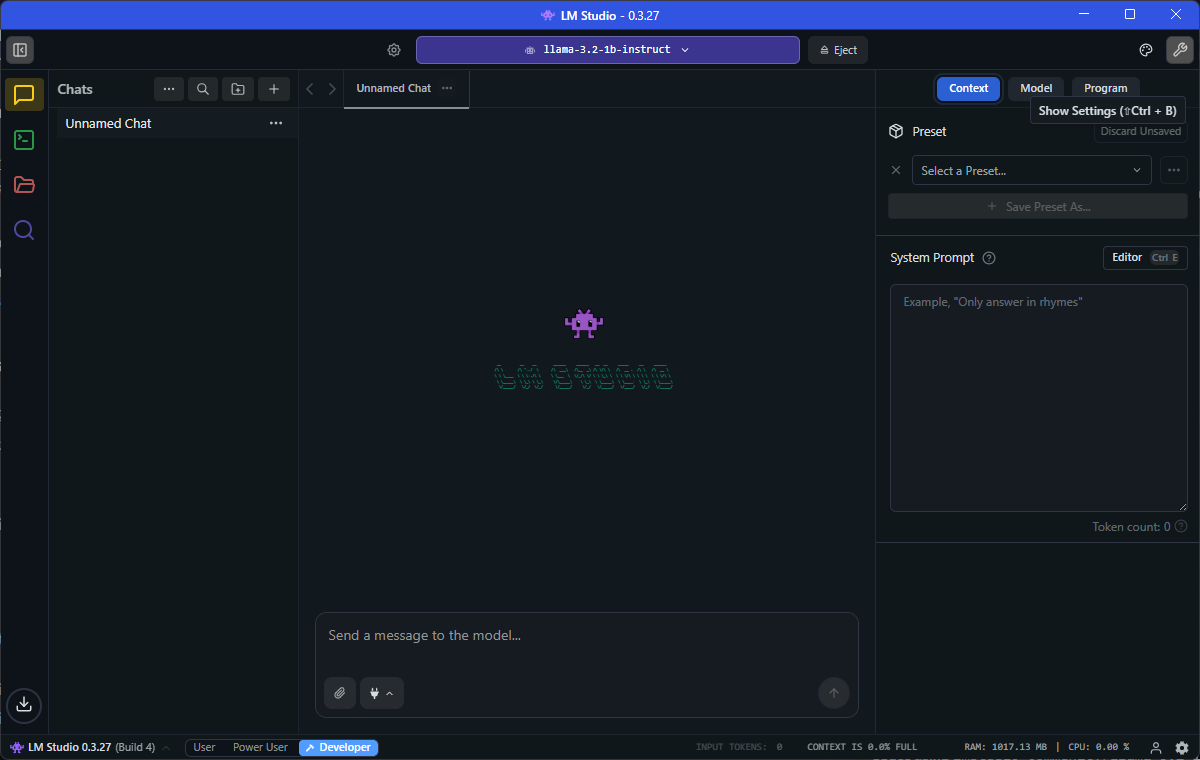
In the settings dialog, under the context tab, you can set the system prompt to be used for the chat session. Under the model tab, you can set the sampling parameters, such as temperature and top-k. You can add Model Context Protocol (MCP) servers under the program tab.
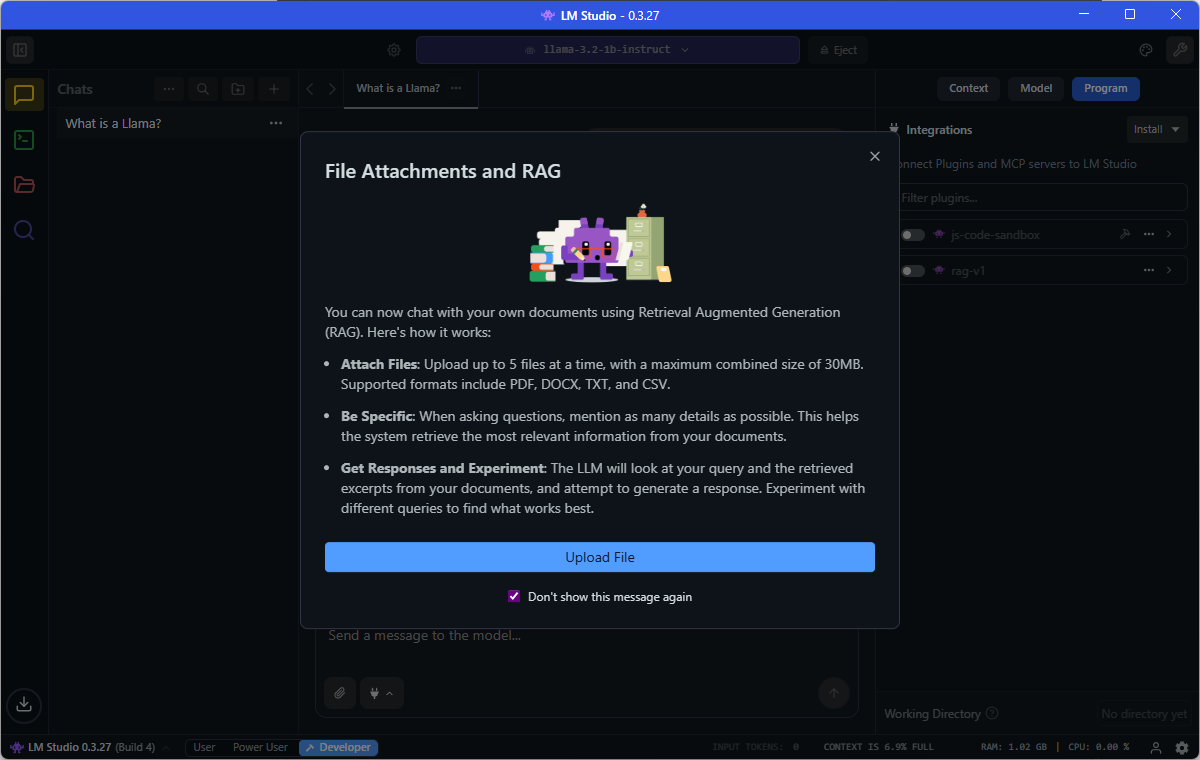
Clicking on the attachment icon below the input prompt allows you to upload documents you want to include in your chat.
To serve a model for API access, use the Developer tab in the sidebar.
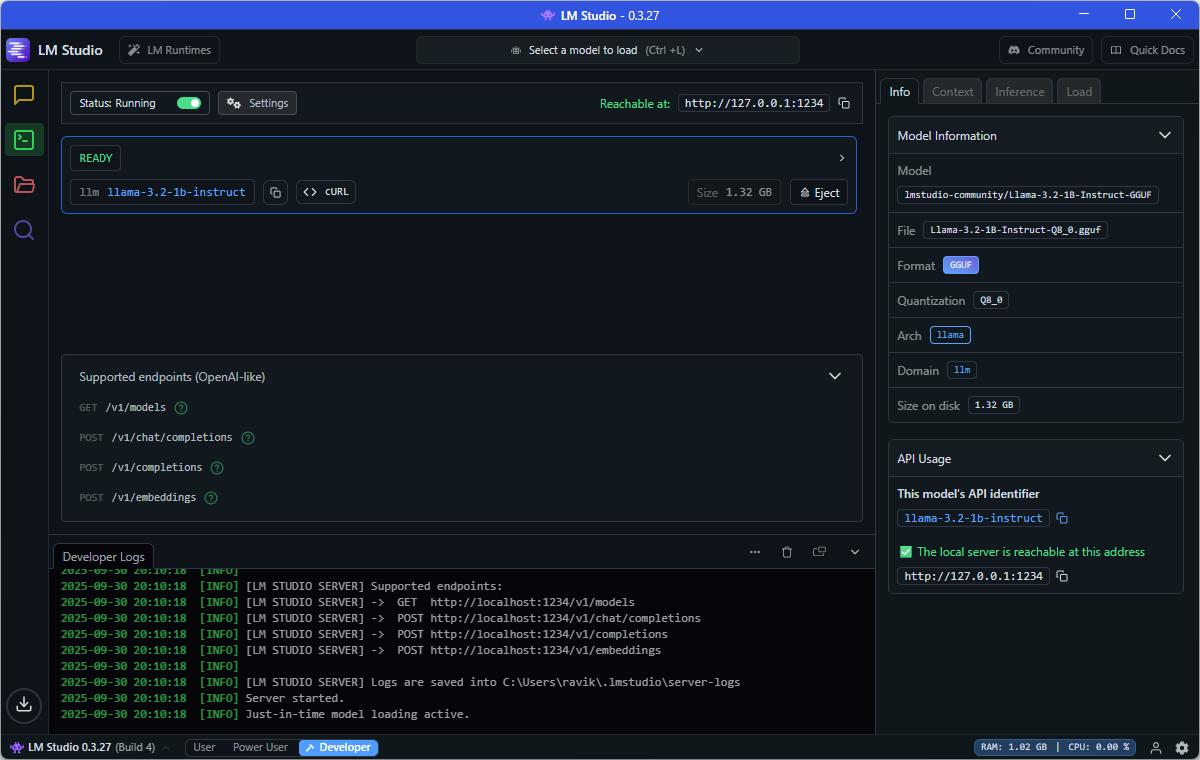
In the model serving settings, you can update the configuration, such as the server port, and enable serving on the local network. Once the model endpoint is running, you can access the API in your favorite programming language or simply curl!
| |
Compared to Ollama, LM Studio offers a comprehensive set of features for an API application developer. You can experiment with different aspects of model serving as you develop your AI application. In a later post, we will look at Docker Model Runner for local model serving.
Last updated: 25th September 2025